

Windows Installer Packaging Tool for Developers, ISVs & Enterprises. - Building MSI installers for 20+ years. - Unmatched support for MSIX technology
- Tweets 2,912
- Following 124
- Followers 1,244
- Likes 732


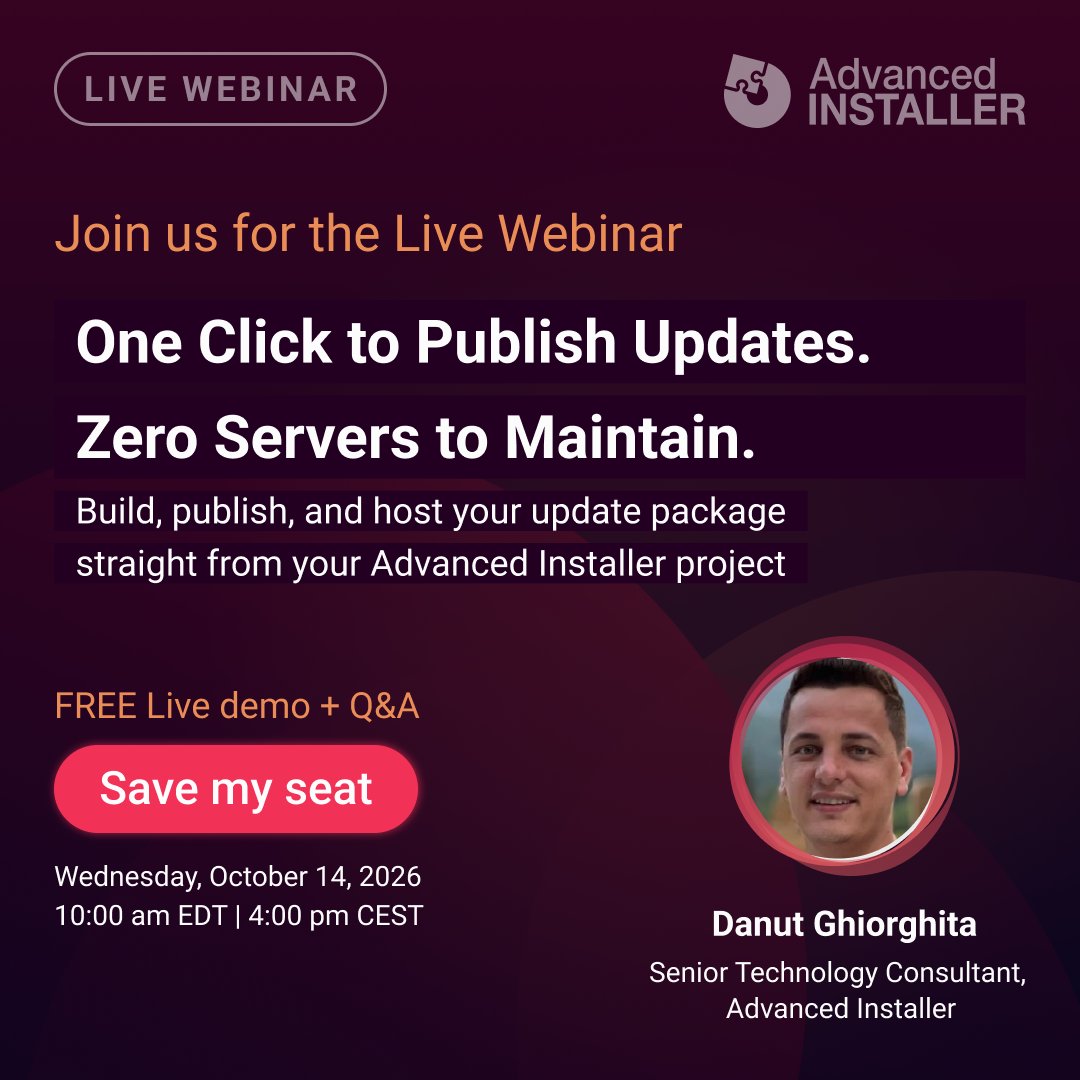
Today, at 4:00 PM CEST, Danut Ghiorghita from the Advanced Installer team will take an app from v1.0 to v2.0 live: one click to publish the update, zero servers to maintain. Then he opens the floor for questions.
1
70
Save your seat for the free auto-update webinar: us02web.zoom.us/webinar/regi…
41
Still building your update config by hand, uploading it to a server, and hoping the URL survives?
Danut Ghiorghita takes an app from v1.0 to v2.0 live: one click to publish, zero servers to maintain. #AutoUpdate #WindowsDevelopment #ISV
1
75
Wed, Oct 14, 10:00 AM EDT | 4:00 PM CEST. 45 minutes, live demo + Q&A, free. Can’t make it? Register anyway and you get the recording.
Save your seat for the free auto-update webinar: us02web.zoom.us/webinar/regi…
64


See you this Friday! 🎉

First session reveal for AME 2026!
@BogdanMitrache on "The Open Package Manifest" — the case for a shared, vendor-neutral way to describe packages.
First of many — plenty more sessions to announce in the weeks ahead! Stay tuned.
#AppManagEvent #AME2026 #ApplicationPackaging

1
48
Your update configuration files and installer packages now have a home that is not your own web server.
Before Updater Cloud, publishing an update meant hosting the configuration file and installer package yourself, generating URLs manually, and keeping everything in sync across projects.
Now the whole flow is inside Advanced Installer.
Create the Updates Configuration project, add the update entry, and click Upload Updates File, and both the config file and MSI or EXE go up to Advanced Installer Cloud in one shot. The download URL is filled in automatically.
See the full flow here: piped.video/PSXe0jhnd70
#AdvancedInstaller #SoftwareUpdates #ApplicationPackaging

53
Advanced Installer 24.0 introduces Updater Cloud, and you no longer need your own server to publish application updates.
Before 24.0, pushing an update meant hosting the configuration file and installer package on your own infrastructure, generating URLs manually, and keeping them in sync across projects.
Updater Cloud removes that entirely. You create an Updates Configuration project in Advanced Installer, add a new update entry, configure version and detection settings, then click Upload Updates File.
Both the configuration file and the MSI or EXE are uploaded to your Advanced Installer account, and the installer download URL is filled in automatically.
Renato Ivanescu covers the whole thing here: advancedinstaller.com/publis…
#AdvancedInstaller #SoftwareUpdates #ApplicationPackaging

62
Advanced Installer 24.0 lets you pull prerequisites directly from the WinGet catalog, and we just published a short video showing exactly how it works.
The built-in library covers runtimes and frameworks.
But when your app depends on 7-Zip, Git, Node.js, Python, VLC, or similar, you had to source those installers separately and bundle them with your setup.
From 24.0, you search the WinGet catalog from inside Advanced Installer, add the package in a couple of clicks, and the install commands are populated automatically.
The wizard calls WinGet at install time and runs the command directly.
Watch how it works: piped.video/TlLNOGO3_6U
#AdvancedInstaller #WinGet #ApplicationPackaging

56
Advanced Installer 24.0 adds WinGet prerequisites support, available from the Enterprise Edition. The built-in prerequisites library covers runtimes and frameworks well.
But when your application depends on something outside that scope, another application rather than just a runtime, you are handling that separately.
From 24.0, you search the WinGet repository directly from Requirements / Prerequisites, click New WinGet Package, type the name, select from the list, and add it.
Install command lines are pulled from WinGet automatically.
The wizard calls the WinGet repository at install time and runs the command directly. An internet connection is required at install time.
Read the full breakdown by Radu Popescu: advancedinstaller.com/winget…
#AdvancedInstaller #WinGet #ApplicationPackaging

1
51
We just published a video on the Open Package Manifest, now integrated in Advanced Installer 24.0.
When packaging and deployment are handled by different teams, deployment information ends up scattered across documents, emails, and spreadsheets.
Install commands, detection rules, requirements, assignments, all manually compiled with no standard format.
OPM is a free, open-format XML that keeps all of that in one place, inside the .packit folder right next to the installer.
From Advanced Installer 24.0, you launch PacKit directly from the tool, fill in your deployment settings through the GUI, and the manifest is generated automatically.
See it in action: piped.video/oIJImxhD9_Q
#AdvancedInstaller #EnterprisePackaging #Intune
46
Starting with Advanced Installer 24.0, PacKit is integrated as the deployment hub directly inside the tool.
In enterprise environments, packaging and deployment are often handled by separate teams. The packager finishes the installer and has to manually compile install commands, detection rules, requirements, and assignments into a file to hand off.
No standard format, no single source of truth.
The Open Package Manifest (OPM) standardizes that handoff.
It is a free, open-format XML that lives in the .packit folder right next to the installer.
From Advanced Installer 24.0, you launch PacKit directly from Package Definition / Deployment, fill everything in through the GUI, and the OPM file is generated automatically.
Supports Intune, SCCM/MECM, PSADT, and WinGet.
Full walkthrough by Radu Popescu: advancedinstaller.com/open-p… #AdvancedInstaller #EnterprisePackaging #Intun

1
58
What's new in Advanced Installer 24.0?
If you manage application packages and deployment pipelines, this update adds several tooling enhancements to streamline day-to-day packaging workflows:
🔹 AI Assistant integration to assist with troubleshooting and project configuration updates directly in-app
🔹 Native Open Package Manifest generation
🔹 WinGet integration to pull installer prerequisites directly
🔹 Cloud hosting for your updater configurations and installer binaries
🔹 GitHub and Microsoft account SSO sign-in options
We've also added a dedicated signing audit log to track signature operations (useful for monitoring costs on Trusted Signing or DigiCert), automatic project backups before overwriting .aip files, PowerShell custom action updates, and updated runtimes for .NET 8, 9, and 10.
What's new in Advanced Installer 24.0: advancedinstaller.com/what-i…
#SysAdmin #AppDeploy #MSIX

1
64
We just added an AI Assistant directly inside Advanced Installer 24.0, and Alex Marin demo'd it live on a real project.
Package details, registry keys, file imports, digital signing, and a full walkthrough on registering an EXE as a Windows Service.
Every change explained before it happens.
Nothing runs without your approval, so the automation is useful.
The bigger win is having something embedded in the tool that knows the product inside out and tells you exactly where to go the moment you are stuck.
Watch the full demo: piped.video/Sznlrj4nOHU
#AdvancedInstaller #ApplicationPackaging #WindowsInstaller
126
Advanced Installer 24.0 ships with a new integrated AI Assistant. If you have ever stopped mid-project because you could not remember which page controls a specific setting, you know how much time gets lost hunting through docs.
You can find the assistant directly inside the tool.
Describe what you want, it explains what is about to change, you approve, it makes the change.
Package details, registry keys, file imports, installing an EXE as a Windows Service.
The guidance is the main point, not just the automation.
Full walkthrough by Alex Marin: advancedinstaller.com/new-ai…
#AdvancedInstaller #ApplicationPackaging #WindowsInstaller

68
Advanced Installer Powers PacKit FREE retweeted

Simplify software packaging with #AI․ Advanced Installer 24 by @advinst adds an integrated AI Assistant that provides instant guidance and applies approved project changes to simplify #software packaging․ dlvr.it/TVNVJg
1
3
77
We just shipped Advanced Installer 24.0. The biggest release of 2026, led by something we think you'll use every single session.
#AdvancedInstaller #WindowsPackaging #ApplicationPackaging

1
72
The headline: a built-in AI Assistant. It docks in the right pane while you work, understands your project type, and can make changes after showing you exactly what it's about to do and getting your approval.
The Locate button takes you to whatever it changed.
Also new in 24.0:
🔹 Updater Cloud hosting for MSI and EXE update packages
🔹 WinGet packages as prerequisites
🔹 Open Package Manifest support
🔹 SSO with Microsoft or GitHub
🔹 Signing audit log for per-signature billing
🔹 Auto backup before AIP overwrite
1
51